 AI
AI
 Hướng dẫn AI
 Claude
 ChatGPT
 Gemini
 Prompt
 AI Tools
 Workflow
 Công nghệ
 Học IT
 Tiện ích

Gemini Deep Research Agent tự động lập kế hoạch, tìm kiếm và tổng hợp các nhiệm vụ nghiên cứu dài hạn thành những báo cáo chi tiết, có trích dẫn.
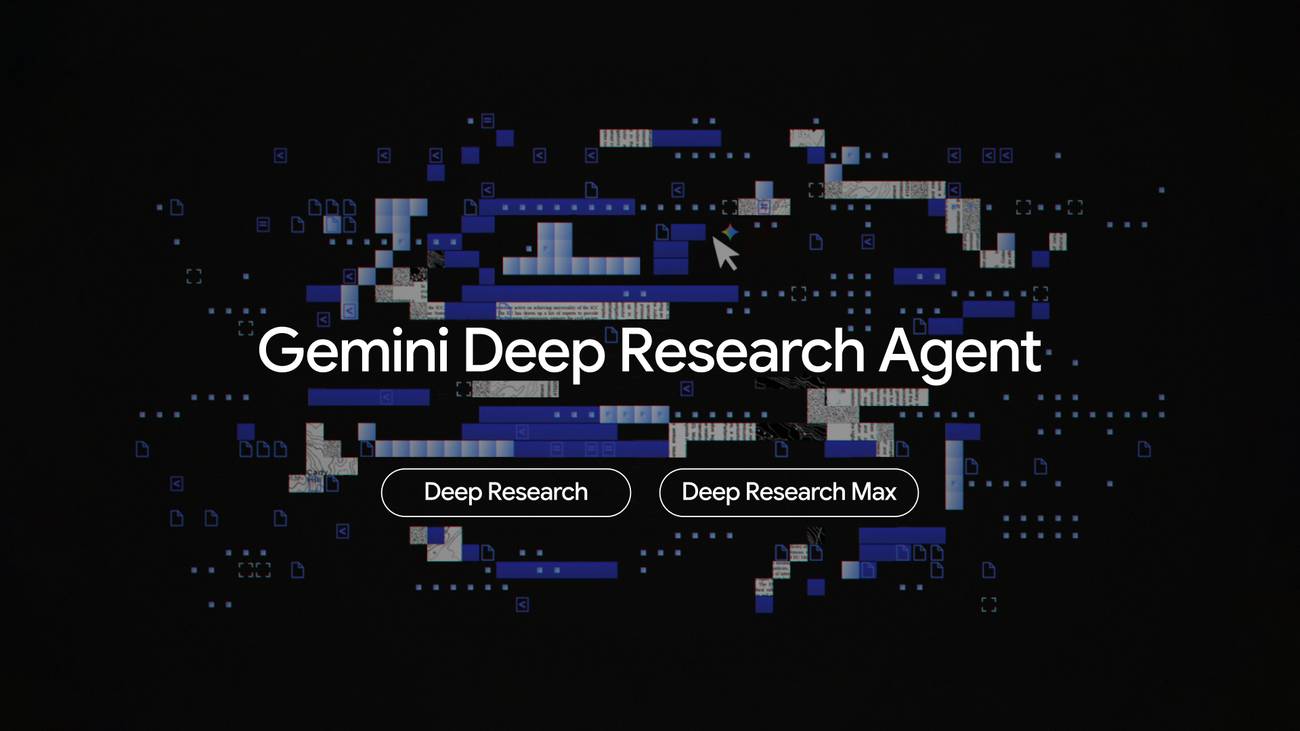
Deep Research xử lý các tác vụ kéo dài bằng cách thực thi ngầm. Chức năng này chỉ khả dụng thông qua Interactions API (không phải generate_content).
Hai phiên bản mới hiện có:
deep-research-preview-04-2026: Được thiết kế cho tốc độ và hiệu quả, lý tưởng để truyền dữ liệu về client UIdeep-research-max-preview-04-2026: Độ toàn diện tối đa cho việc thu thập và tổng hợp ngữ cảnh tự động
Có gì mới?
- Lập kế hoạch cộng tác: Xem xét và tinh chỉnh kế hoạch nghiên cứu trước khi thực thi
- Biểu đồ và infographic gốc: Biểu đồ, đồ thị và infographic do công cụ tạo ra
- MCP server từ xa: Kết nối các công cụ bên ngoài thông qua Model Context Protocol
- Công cụ mở rộng: Google Search, URL Context, Code Execution, MCP và File Search
- Cơ sở nghiên cứu đa phương thức: Truyền hình ảnh, PDF và âm thanh làm ngữ cảnh nghiên cứu
Thiết lập
Cài đặt SDK Python:
pip install google-genaiĐặt API key của bạn làm biến môi trường. Bạn có thể tạo một key tại aistudio.google.com/apikey.
export GEMINI_API_KEY="API-key-của-bạn"Chạy tác vụ Deep Research đầu tiên
Bắt đầu một tác vụ nghiên cứu với background=True và thăm dò kết quả. Deep Research là bất đồng bộ vì các tác vụ có thể mất vài phút để hoàn thành.
import time
from google import genai

client = genai.Client()

interaction = client.interactions.create(
    input="Research the history of Google TPUs.",
    agent="deep-research-preview-04-2026",
    background=True,
)

while True:
    interaction = client.interactions.get(interaction.id)
    if interaction.status == "completed":
        print(interaction.outputs[-1].text)
        break
    elif interaction.status == "failed":
        print(f"Research failed: {interaction.error}")
        break
    time.sleep(10)
Lập kế hoạch cộng tác
Đặt collaborative_planning=True để nhận kế hoạch nghiên cứu thay vì chạy ngay lập tức. Lặp lại kế hoạch với previous_interaction_id, sau đó đặt collaborative_planning=False để thực thi.
Bước 1: Yêu cầu lập kế hoạch
import time
from google import genai

client = genai.Client()

plan = client.interactions.create(
    agent="deep-research-preview-04-2026",
    input="Research Google TPUs vs competitor hardware.",
    agent_config={"type": "deep-research", "collaborative_planning": True},
    background=True,
)

while (result := client.interactions.get(id=plan.id)).status != "completed":
    time.sleep(5)

print(result.outputs[-1].text)
Tinh chỉnh kế hoạch: Sử dụng previous_interaction_id để tiếp tục cuộc trò chuyện. Giữ collaborative_planning=True để duy trì chế độ lập kế hoạch. Lặp lại khi cần.
refined = client.interactions.create(
    agent="deep-research-preview-04-2026",
    input="Add a section comparing power efficiency.",
    agent_config={"type": "deep-research", "collaborative_planning": True},
    previous_interaction_id=plan.id,
    background=True,
)

while (result := client.interactions.get(id=refined.id)).status != "completed":
    time.sleep(5)

print(result.outputs[-1].text)
Phê duyệt và thực thi: Đặt collaborative_planning=False để phê duyệt kế hoạch và bắt đầu nghiên cứu.
Lưu ý quan trọng: Bạn phải đặt collaborative_planning=False một cách rõ ràng ở lượt cuối cùng. Chỉ cần gửi "tiếp tục" mà không lật flag sẽ không kích hoạt việc tạo báo cáo.
report = client.interactions.create(
    agent="deep-research-preview-04-2026",
    input="Plan looks good!",
    agent_config={"type": "deep-research", "collaborative_planning": False},
    previous_interaction_id=refined.id,
    background=True,
)

while (result := client.interactions.get(id=report.id)).status != "completed":
    time.sleep(5)

print(result.outputs[-1].text)
Biểu đồ và infographic gốc
Đặt visualization="auto" và yêu cầu hình ảnh trong prompt của bạn. Trình biên dịch sẽ tạo ra các biểu đồ và infographic được trả về dưới dạng hình ảnh được mã hóa base64.
import base64
from google import genai

client = genai.Client()

interaction = client.interactions.create(
    agent="deep-research-preview-04-2026",
    input="Analyze global semiconductor market trends. Include charts showing market share changes.",
    agent_config={"type": "deep-research", "visualization": "auto"},
    background=True,
)

while (result := client.interactions.get(id=interaction.id)).status != "completed":
    time.sleep(5)

for output in result.outputs:
    if output.type == "text":
        print(output.text)
    elif output.type == "image" and output.data:
        image_bytes = base64.b64decode(output.data)
# display(Image(data=image_bytes)) # JupyterMẹo: Đặt visualization="auto" cho phép khả năng, nhưng kết quả tốt nhất đạt được bằng cách trực tiếp yêu cầu những gì bạn muốn.
MCP server từ xa
Kết nối với các MCP server từ xa để cấp cho agent quyền truy cập vào các công cụ bên ngoài. Truyền đến server name, url và các tiêu đề xác thực tùy chọn.
interaction = client.interactions.create(
    agent="deep-research-preview-04-2026",
    input="Research how recent geopolitical events influenced USD interest rates",
    tools=[
        {
            "type": "mcp_server",
            "name": "Finance Data Provider",
            "url": "https://finance.example.com/mcp",
            "headers": {"Authorization": "Bearer my-token"},
        }
    ],
    background=True,
)
Các MCP server hỗ trợ không xác thực, bearer token và OAuth. Đối với OAuth, hãy tìm nạp token bằng thư viện như google-auth và truyền nó trong headers. Sử dụng allowed_tools để hạn chế các công cụ mà agent có thể gọi từ server.
Cấu hình công cụ
Theo mặc định, agent sử dụng Google Search, URL Context và Code Execution. Bạn có thể tùy chỉnh các công cụ mà agent có thể sử dụng bằng cách cung cấp danh sách những công cụ, tương tự như các mô hình. Điều này cho phép bạn, ví dụ, chỉ tìm kiếm trên web (thông qua google_search và url_context), chỉ tìm kiếm các nguồn riêng tư (thông qua file_search và MCP server tùy chỉnh) hoặc tìm kiếm kết hợp cả hai.
| Công cụ | Loại | Mặc định | Mô tả |
|---|---|---|---|
| Google Search | google_search |
✅ | Tìm kiếm trên mạng công khai |
| URL Context | url_context |
✅ | Đọc và tóm tắt các trang web |
| Code Execution | code_execution |
✅ | Chạy code để thực hiện các phép tính và phân tích dữ liệu |
| MCP Server | mcp_server |
— | Kết nối với MCP server từ xa |
| File Search | file_search |
— | Tìm kiếm kho tài liệu đã upload |
# Only web search allowed
interaction = client.interactions.create(
    agent="deep-research-preview-04-2026",
    input="Latest developments in quantum computing.",
    tools=[{"type": "google_search"}],
    background=True,
)
Lưu ý: Nếu không truyền bất kỳ công cụ nào, mặc định sẽ bật Search, URL Context và Code Execution.
Nền tảng nghiên cứu đa phương thức
Truyền hình ảnh, PDF và tài liệu cùng với prompt văn bản của bạn để làm nền tảng cho nghiên cứu.
interaction = client.interactions.create(
    agent="deep-research-preview-04-2026",
    input=[
        {"type": "text", "text": "What has been the impact of this research paper?"},
        {"type": "document", "uri": "https://arxiv.org/pdf/1706.03762", "mime_type": "application/pdf"},
    ],
    background=True,
)
Stream thời gian thực với hình ảnh và tóm tắt suy nghĩ
Stream tiến trình nghiên cứu theo thời gian thực. Bật thinking_summaries="auto" để nhận được lý luận trung gian của agent cùng với văn bản và hình ảnh được tạo ra.
import base64
from google import genai
from IPython.display import Image, display

client = genai.Client()

interaction_id = None
last_event_id = None
is_complete = False

def process_stream(stream):
    global interaction_id, last_event_id, is_complete
    for chunk in stream:
        if chunk.event_type == "interaction.start":
            interaction_id = chunk.interaction.id
        if chunk.event_id:
            last_event_id = chunk.event_id
        if chunk.event_type == "content.delta":
            if chunk.delta.type == "text":
                print(chunk.delta.text, end="", flush=True)
            elif chunk.delta.type == "thought_summary":
                print(f"\n💭 {chunk.delta.content.text}", flush=True)
            elif chunk.delta.type == "image" and chunk.delta.data:
                image_bytes = base64.b64decode(chunk.delta.data)
                display(Image(data=image_bytes))
        elif chunk.event_type in ("interaction.complete", "error"):
            is_complete = True
            if chunk.event_type == "interaction.complete":
                print("\n✅ Research Complete")

stream = client.interactions.create(
    input="Research AI chip market trends. Include charts comparing vendors.",
    agent="deep-research-preview-04-2026",
    background=True,
    stream=True,
    agent_config={
        "type": "deep-research",
        "thinking_summaries": "auto",
        "visualization": "auto",
    },
)
process_stream(stream)

# Reconnect if the connection drops
while not is_complete and interaction_id:
    status = client.interactions.get(interaction_id)
    if status.status != "in_progress":
        break
    stream = client.interactions.get(
        id=interaction_id, stream=True, last_event_id=last_event_id,
    )
    process_stream(stream)






 AI
AI
 Copilot
 Grok
Grok
 Thư viện Prompt
 Hướng dẫn AI
 Công nghệ
 Ứng dụng
 Hệ thống
 Game - Trò chơi
 iPhone
 Android
 Làng Công nghệ
 Học CNTT
 Hàm Excel
 Học Python
 Download
 Video
Video
 Cuộc sống
 Khoa học